LEB2 Support Help Center home page
  • ไทย
  • Sign In
  • Community
  • Submit a request

Search

  1. LEB2 Support
  2. Tips & More
  3. Tips & tricks

What is the best browser to use ?

  • Updated October 22, 2020 09:39

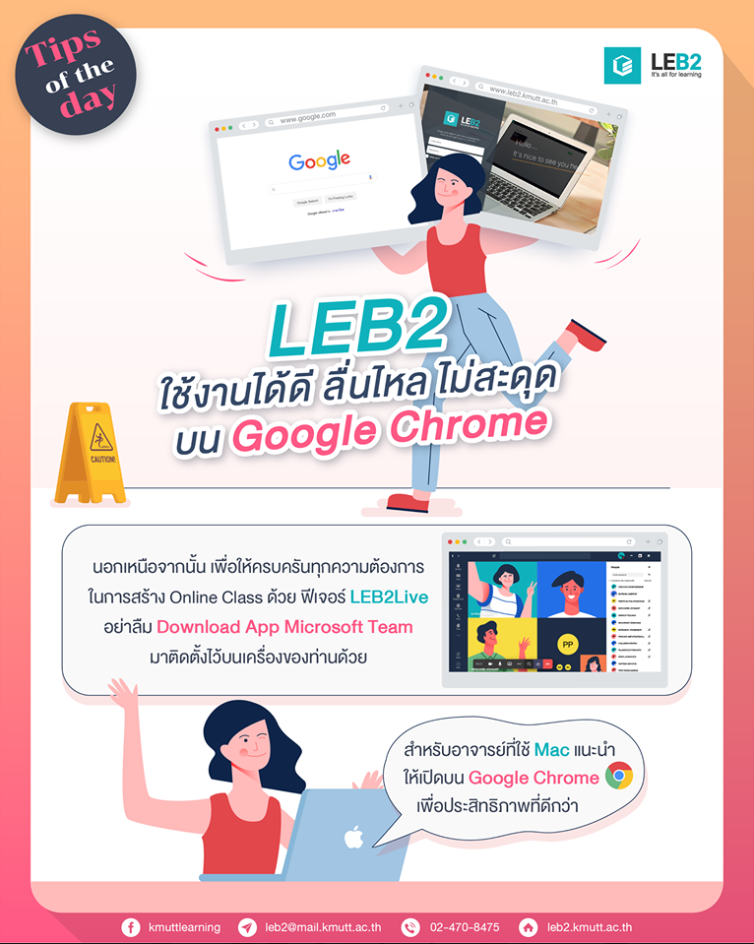
LEB2 is user-friendly on Google Chrome

For Mac users, working on LEB2 via Google Chrome is more effective and recommended!

To create an efficient online class via LEB2Live, don't forget to download Microsoft Teams on your computer to use all features inclusively.
c5d23663-d7a3-4f82-8a95-8a83e2c5368f.png

Was this article helpful?

0 out of 1 found this helpful

Related articles

  • Network error while downloading students' files! How to solve it?
  • Top 4 Most Common Questions with Answers
  • Where can I find my downloaded files?

Articles in this section

  • Troubleshooting ‘This site can’t be reached’
  • Class Chatbot – Your AI-Powered Learning
  • How to Create Announcements and Send Emails to Students in LEB2
  • Create an Announcement via Syllabus Feature
  • Reorder Activity on LEB2
  • How to fix DNS problem on Windows 8, 9, 10
  • Q&A Session of LEB2 Training (Special for Electrical Engineering)
  • Q&A Session of LEB2 Training for Beginner 11th
  • Where can I find my downloaded files?
  • Everything You Need to Know about Managing Classroom

See more

LEB2 Support
  • About us
  • Jobs
  • Fast track tutorials
Contact
  • Facebook: KMUTT learning environment - LEB2
  • E-mail: leb2@mail.kmutt.ac.th
  • Zendesk Theme by Zenplates eiei
Powered by Zendesk